Dual Gate Will Not Operate
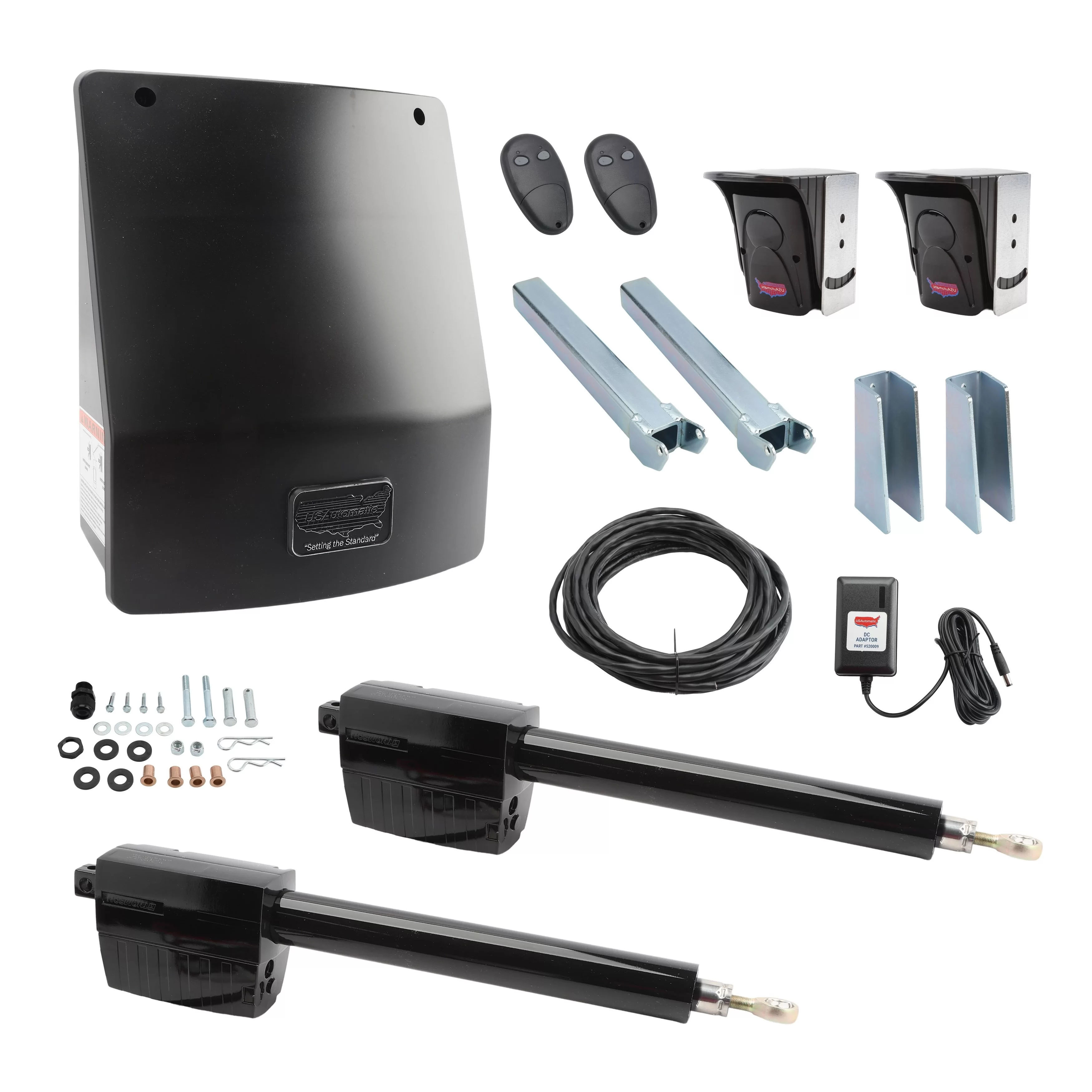
- Follow the steps listed in the Single Gate Will Not Operate guide first.
- Disconnect the actuator connectors from the Gate 1 (X1) and Gate 2 (X2) ports on the control board. Locate the SW1 dipswitches and turn off switch 4 and turn on switch 3. Reconnect the actuator from the gate closest to the control box into the Gate 1 (X1) connector. Press the Open/Close Command button and verify that the gate operates.
- If the gate operates correctly, disconnect that actuator plug and connect the other actuator into the Gate 1 (X1) connector. Press the Open/Close Command button and verify operation. At this point both actuators have been tested individually using the Gate 1 connector. If both worked correctly, go back to SW1 and turn switch 3 off and switch 4 on. Repeat steps 2 and 3 using the Gate 2 (X2) connector in place of Gate 1 (X1).
- If a problem is found during steps 2 or 3, it most likely occurred when testing the Gate 2 actuator, which is the one located the greatest distance from the control box. Check all wiring splices for moisture and verify correct wiring throughout. If the wiring is not run through watertight conduit, that is most likely the cause. Tape is not watertight, and splices should never be located underground.
Installation & Troubleshooting Guide


