Single Gate Will Not Operate
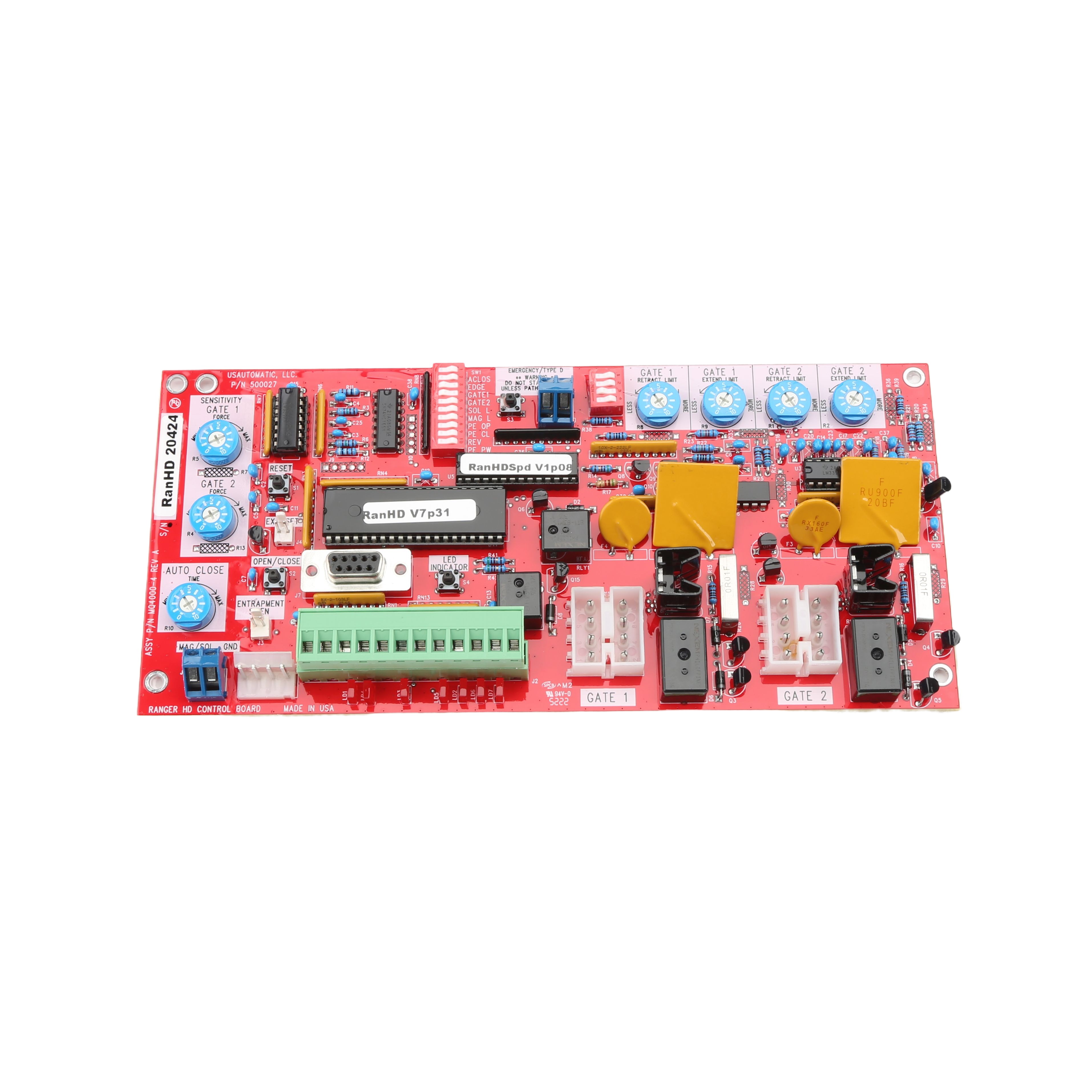
- Open the control box cover, locate the Open/Close Command button, and press it to operate the gate.
- Press the Reset button located above the Open/Close Command button, then press the Open/Close Command button to attempt operation again.
- Press and hold the LED Indicator button and observe all of the red LEDs.
- If any LEDs below the J2 terminal plug on the control board are on, that issue must be corrected. These lights correspond to the J2 accessory input terminals.
- Identify which LED is on and note the J2 terminal number it is associated with.
- Locate the accessory connected to that J2 terminal number.
- Disconnect the accessory wire from that terminal and check whether the gate will operate.
Installation & Troubleshooting Guide


