


USAutomatic Smart App Wifi Receiver - How to Set Up the Nexx Gate WiFi Receiver
Before setting up the Nexx Gate WiFi Receiver, make sure you have downloaded the Nexx Home app from the App Store or Play Store and created a Nexx account with your email address.
Applies to Part Number(s): 030223 - USAutomatic Smart App WiFi Receiver
What You Will Need:
- Strong 2.4GHz WiFi signal at the gate operator
- Nexx Home app installed and open on your phone
- Nexx account set up and confirmed
Set Up Procedure
Step 1: Connect to the Operator
Plug the Nexx Gate into the operator control board.
Step 2: Add Device
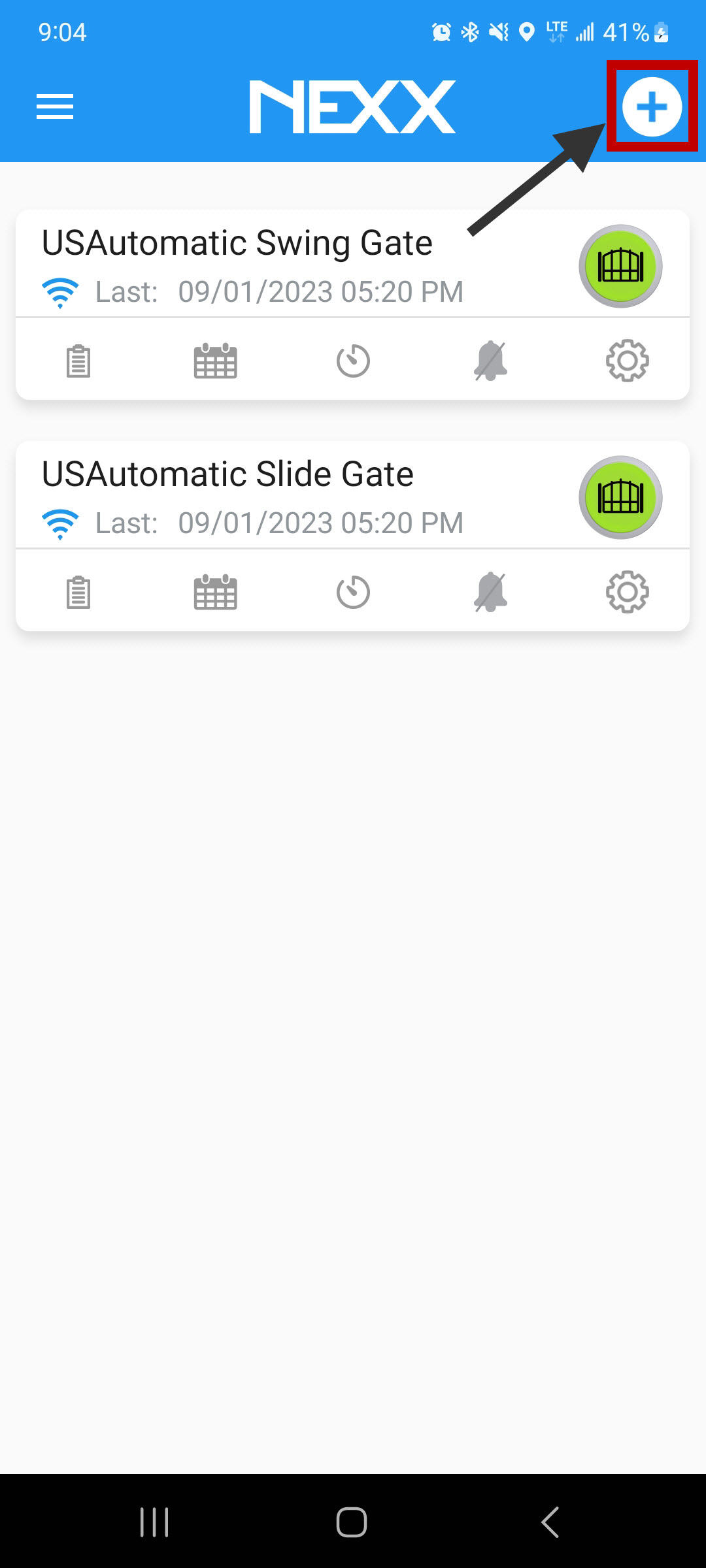
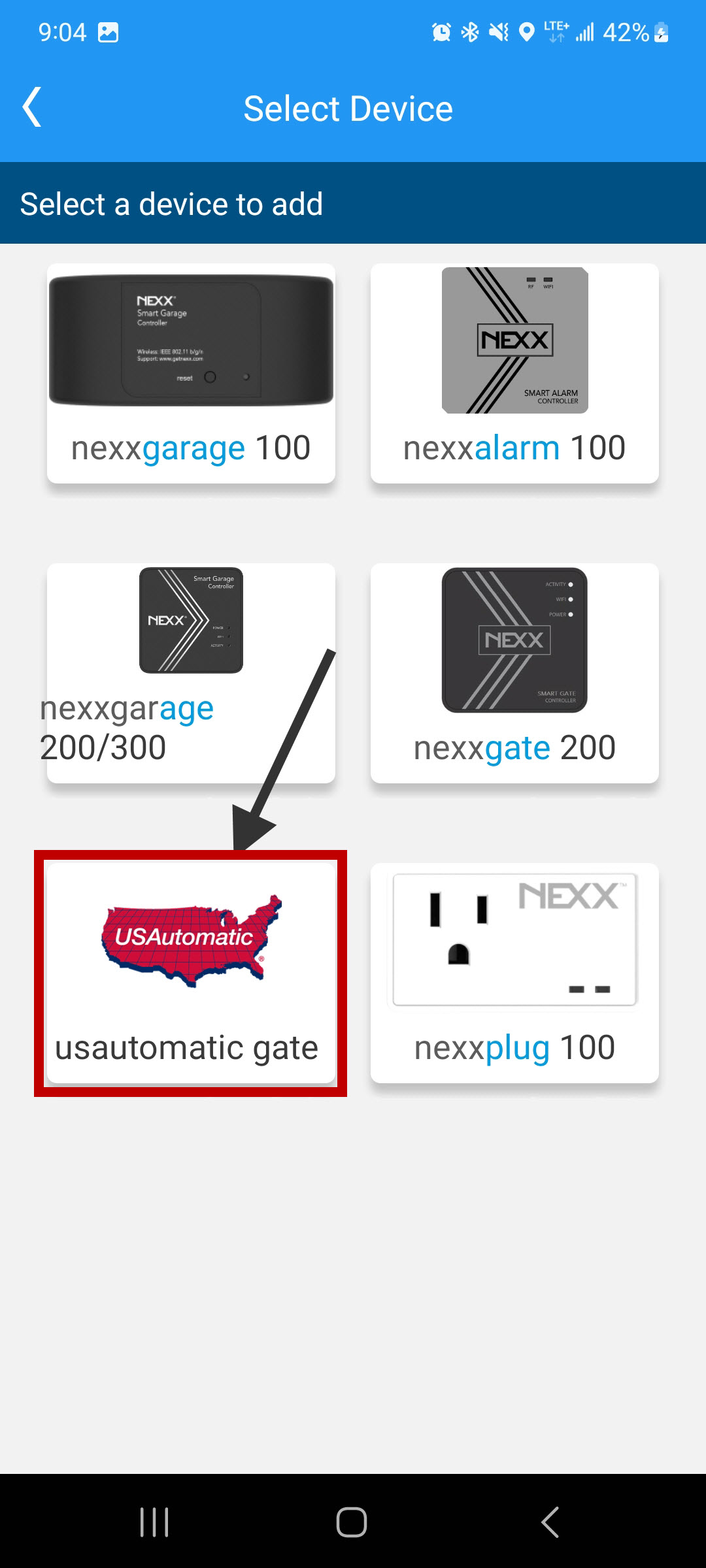
Open the Nexx app and select Add Device.
Step 3: Select Device State
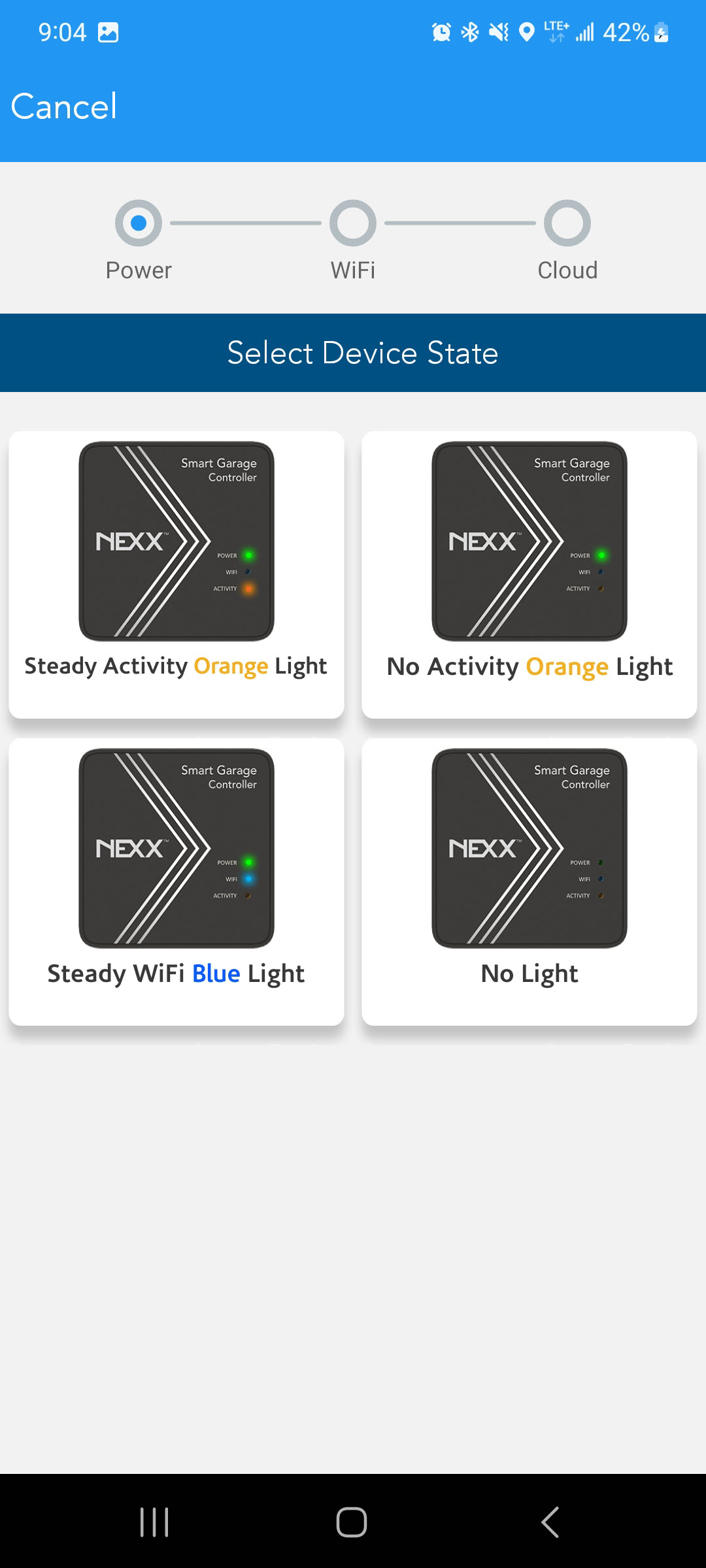
Select the light pattern currently displayed on the Nexx Gate. If the device is in the incorrect state, the app will prompt you to reset it and start over.
Step 4: Configure WiFi
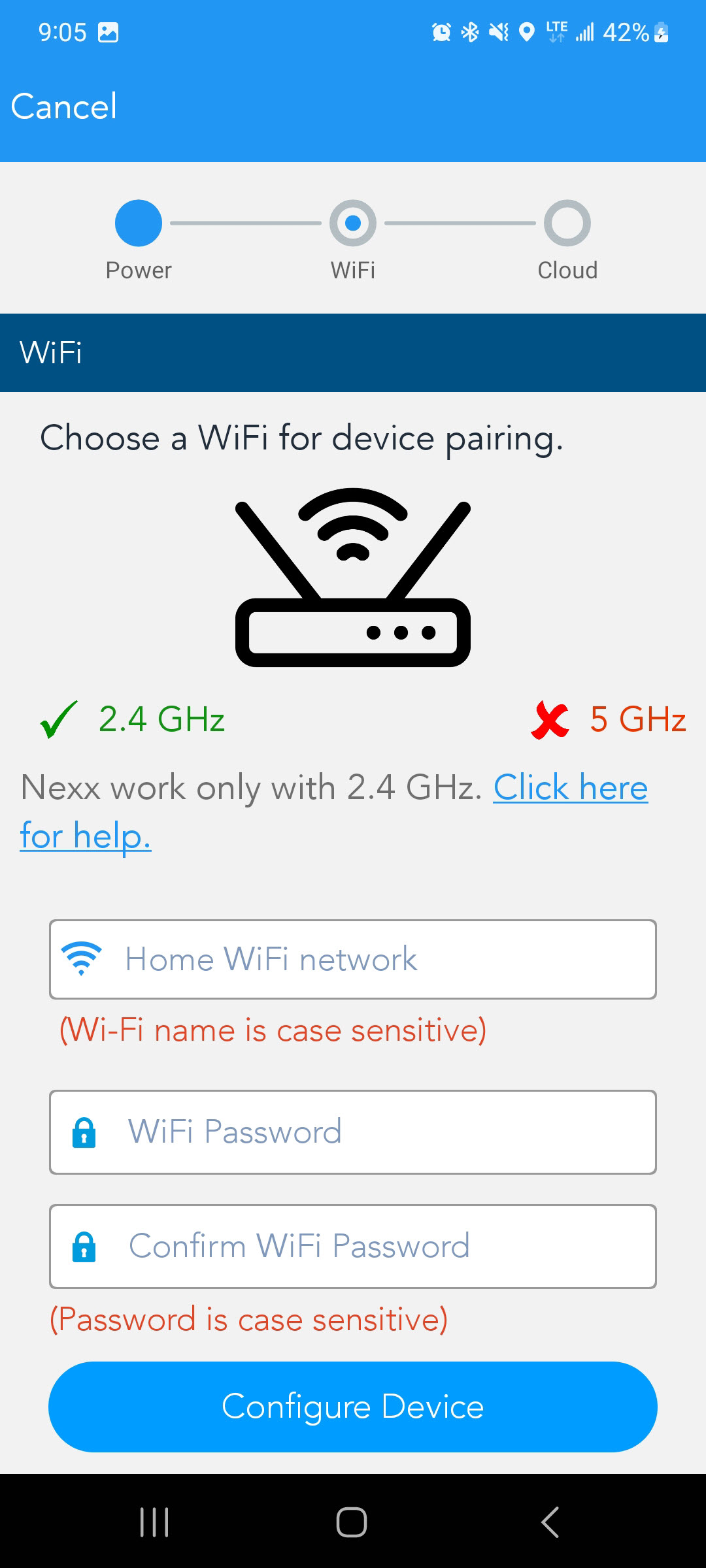
Enter your WiFi password and tap Configure Device. The Nexx Gate will begin connecting to your network. This process may take a few minutes.
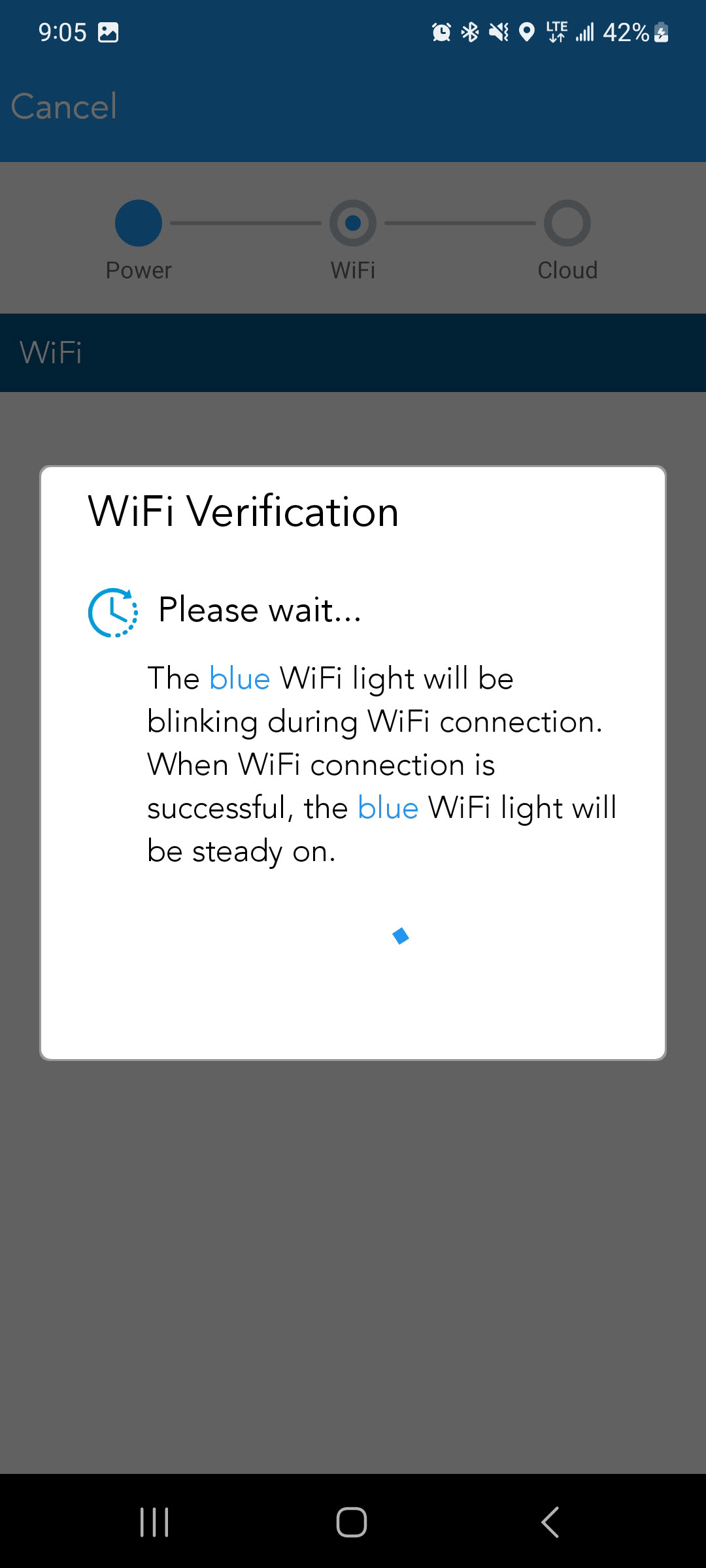
Step 5: Confirm the Blue WiFi Light
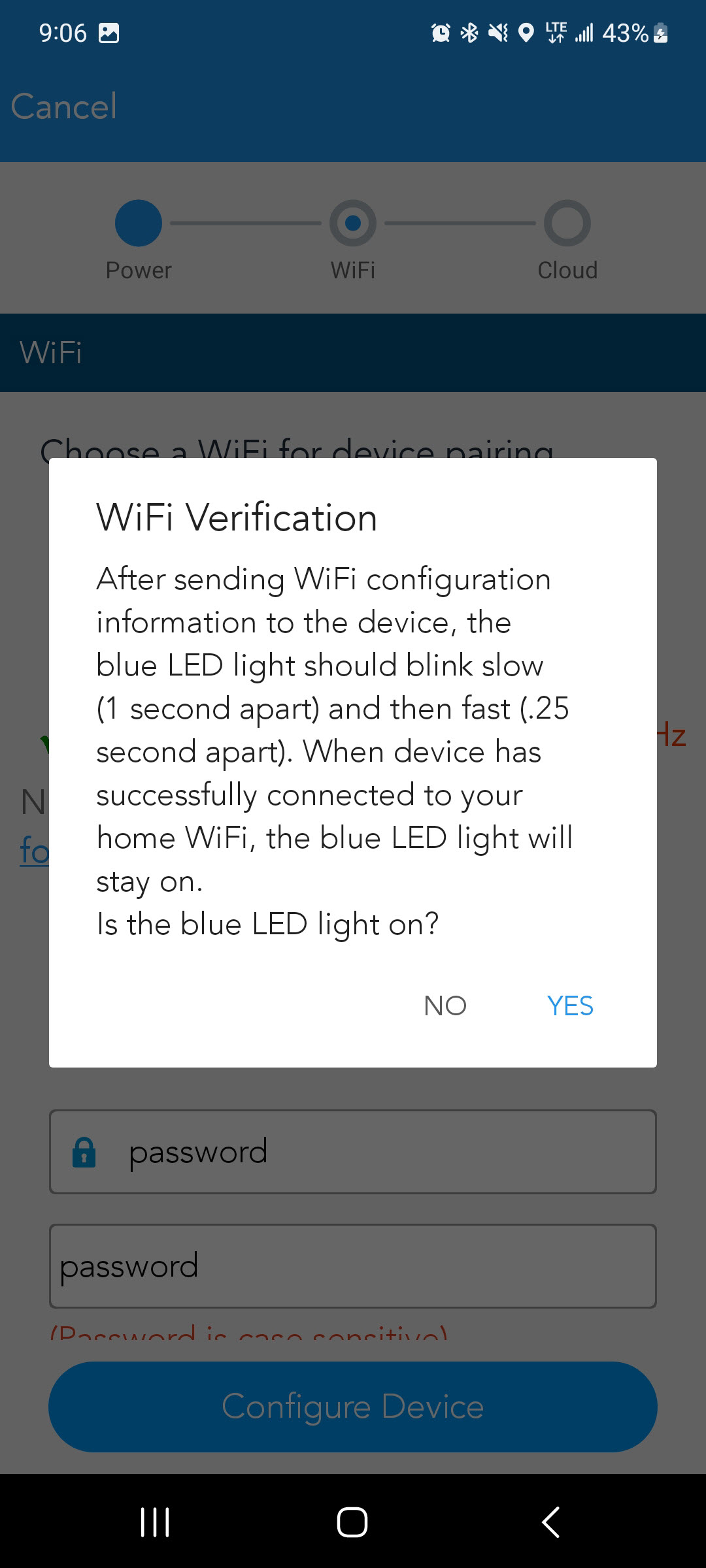
Check the blue WiFi light on the device. If it is off or flashing, select No; the connection was unsuccessful. The app will prompt you to reset and restart setup.
Step 6: Register to Cloud
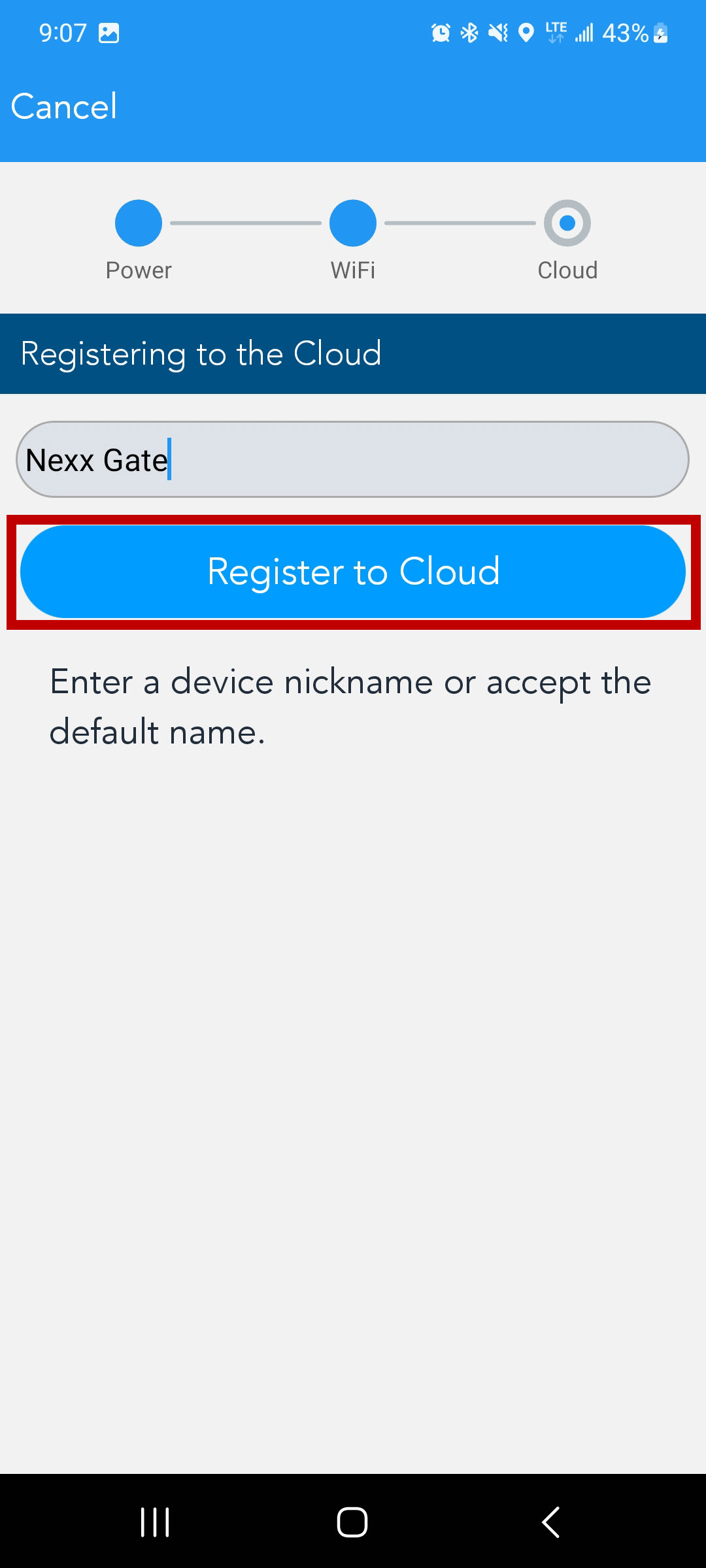
Enter a name for your gate and press Register to Cloud.
Step 7: Cycle the Gate
The app will display Unknown until the gate has been manually cycled. Use a remote or the Open/Close button on the opener's control board to run the gate fully open and then fully closed.
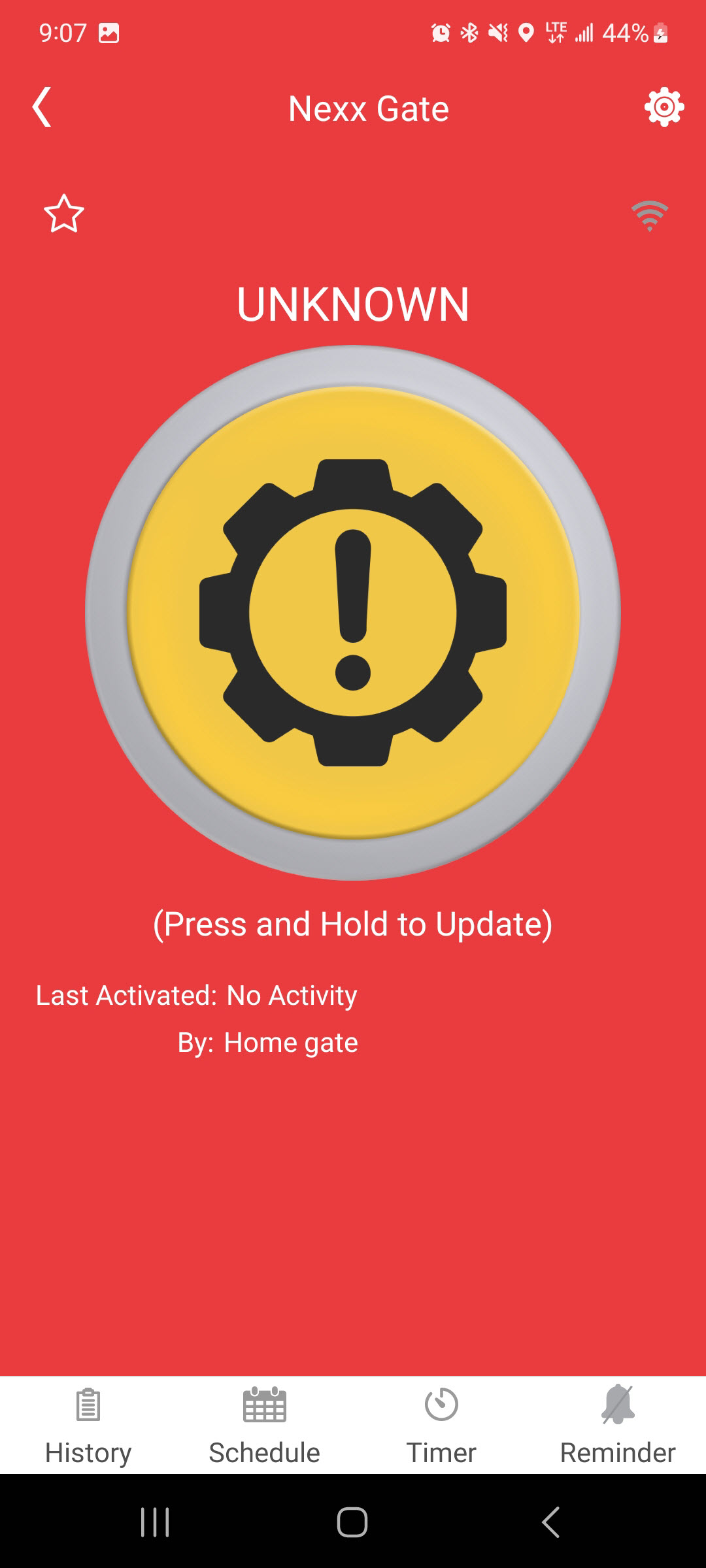
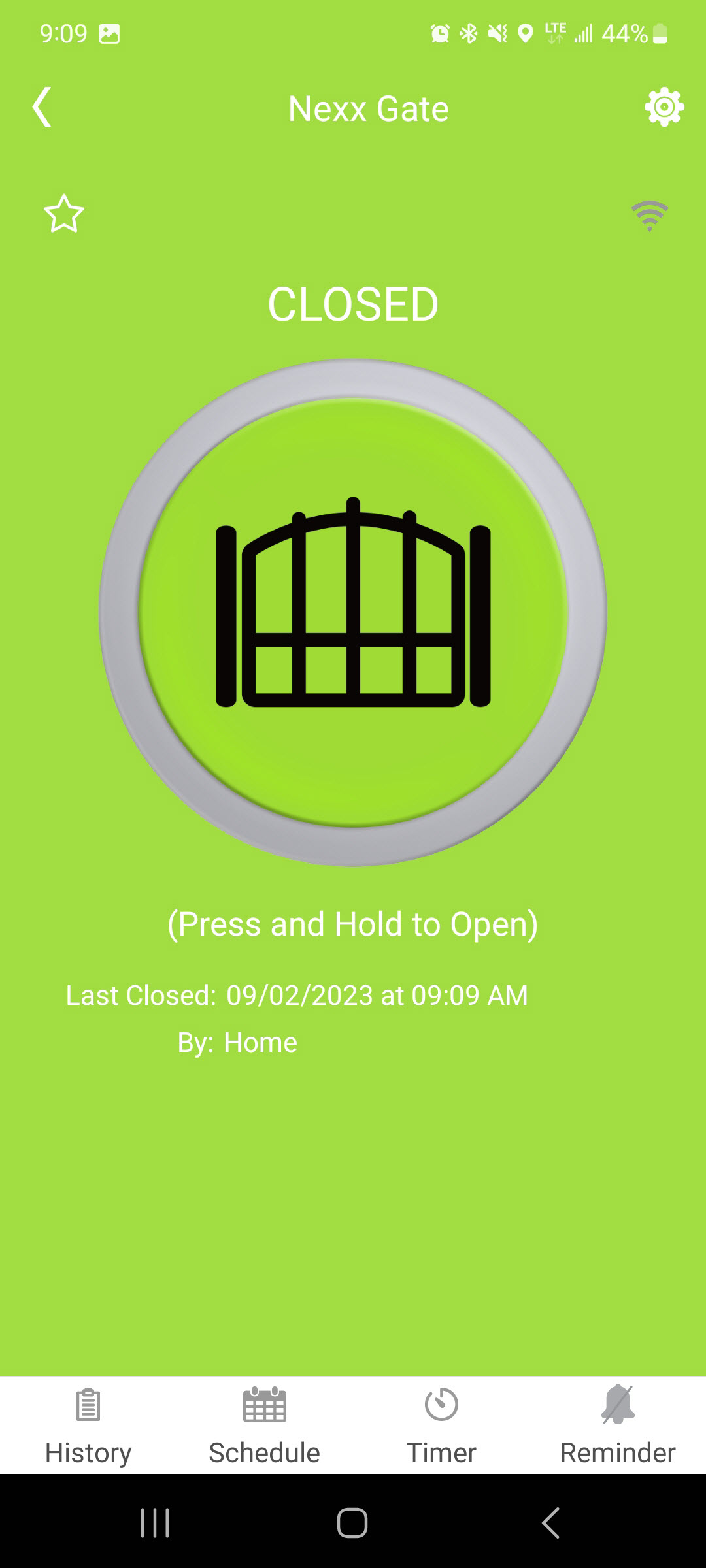
Once the gate completes a full cycle, the app should display the correct gate position. Your Nexx Gate is now set up and ready to use.