


USAutomatic Smart App Wifi Receiver - How to Reset the Nexx Gate WiFi Receiver
If the Nexx Gate system displays the incorrect gate position, fails to connect to WiFi, or is moved to a different gate or network, resetting the WiFi receiver can help resolve these issues.
Applies to Part Number(s): 030223 - USAutomatic Smart App WiFi Receiver
What You Need: Paperclip or similar tool
Reset Procedure
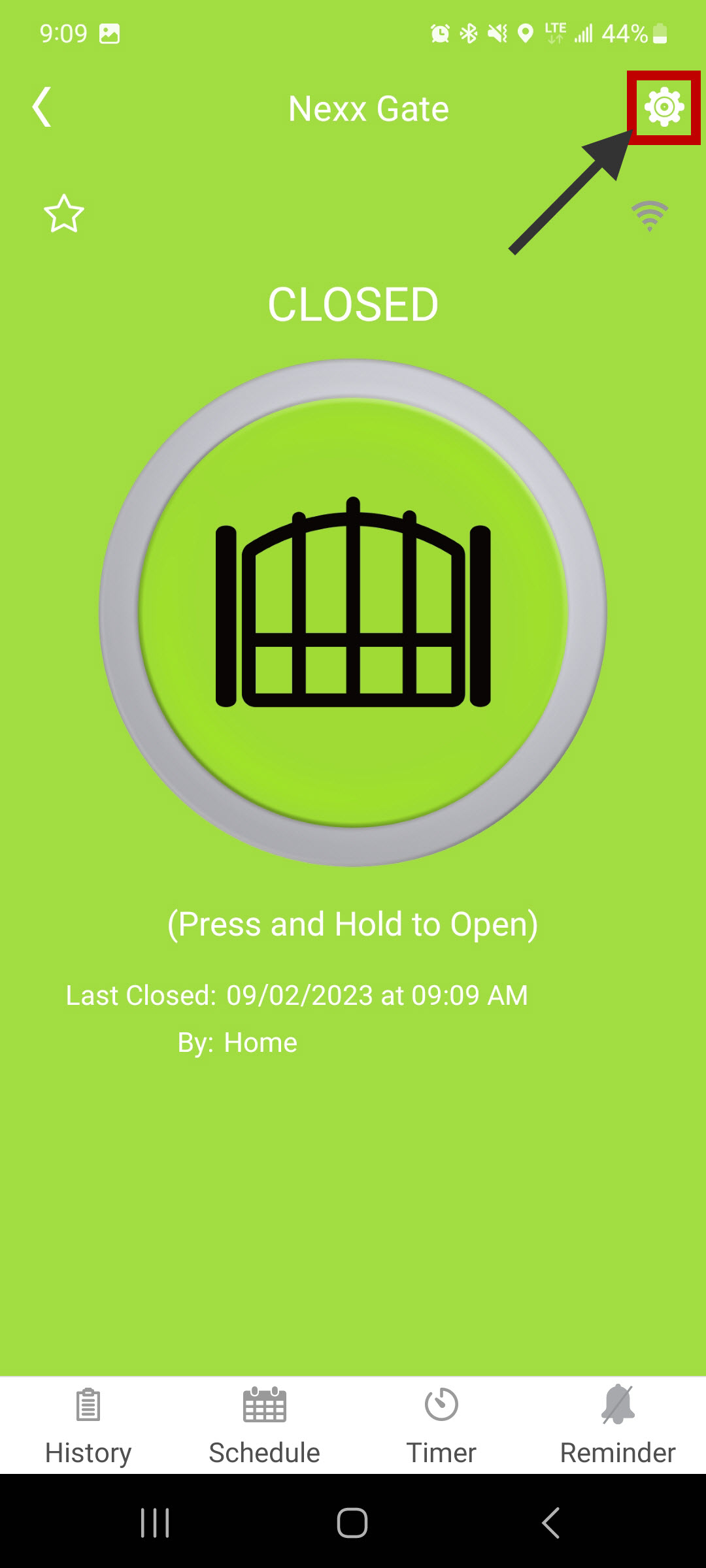
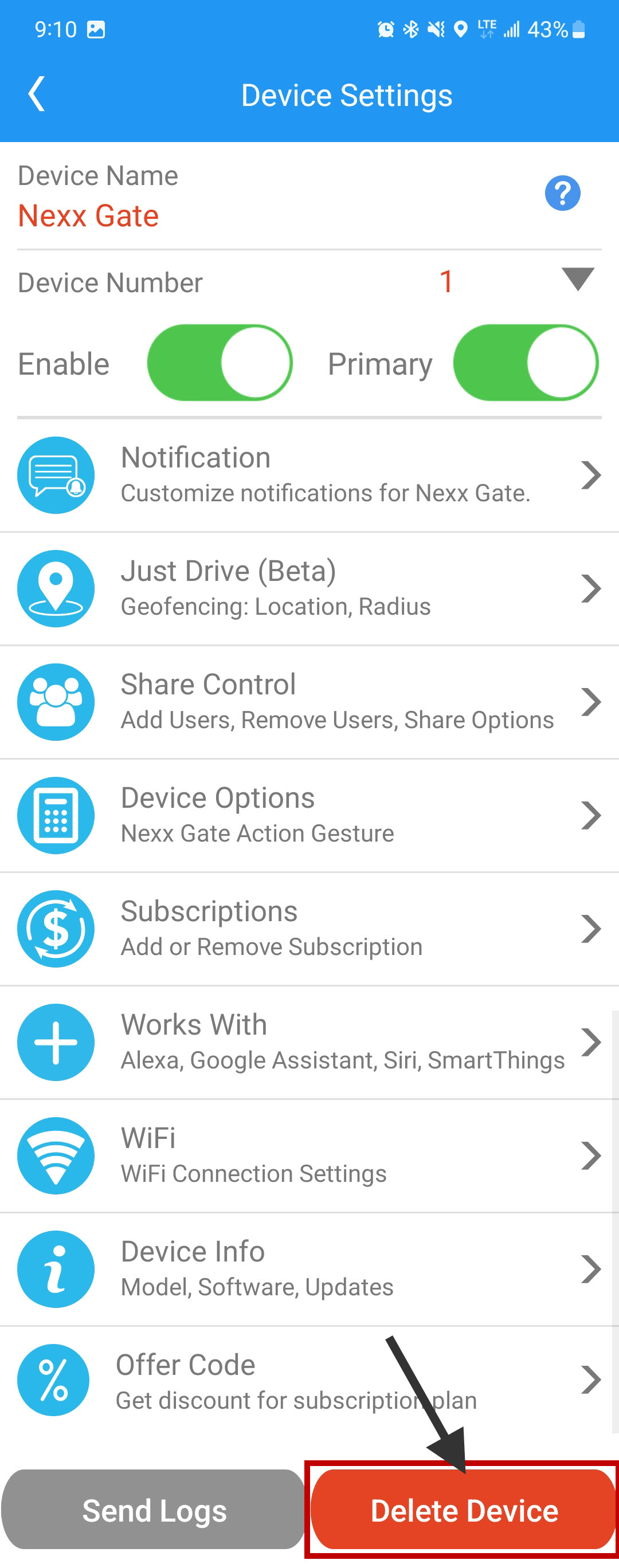
Step 1: Delete the Device from the Nexx App
Remove the device from the Nexx App before resetting the hardware. Failure to do so can cause issues when setting the device back up.
Step 2: Press and Hold the Reset Button
Locate the reset button on the left side of the Nexx Gate WiFi receiver. Use a paperclip or similar tool to press and hold the button for 5 seconds. The green power light and orange activity light will turn on solid, indicating the reset is complete.
Once reset, proceed to set up the device using the Nexx Gate WiFi Receiver setup guide.