


Transmitter Will Not Operate the Gate
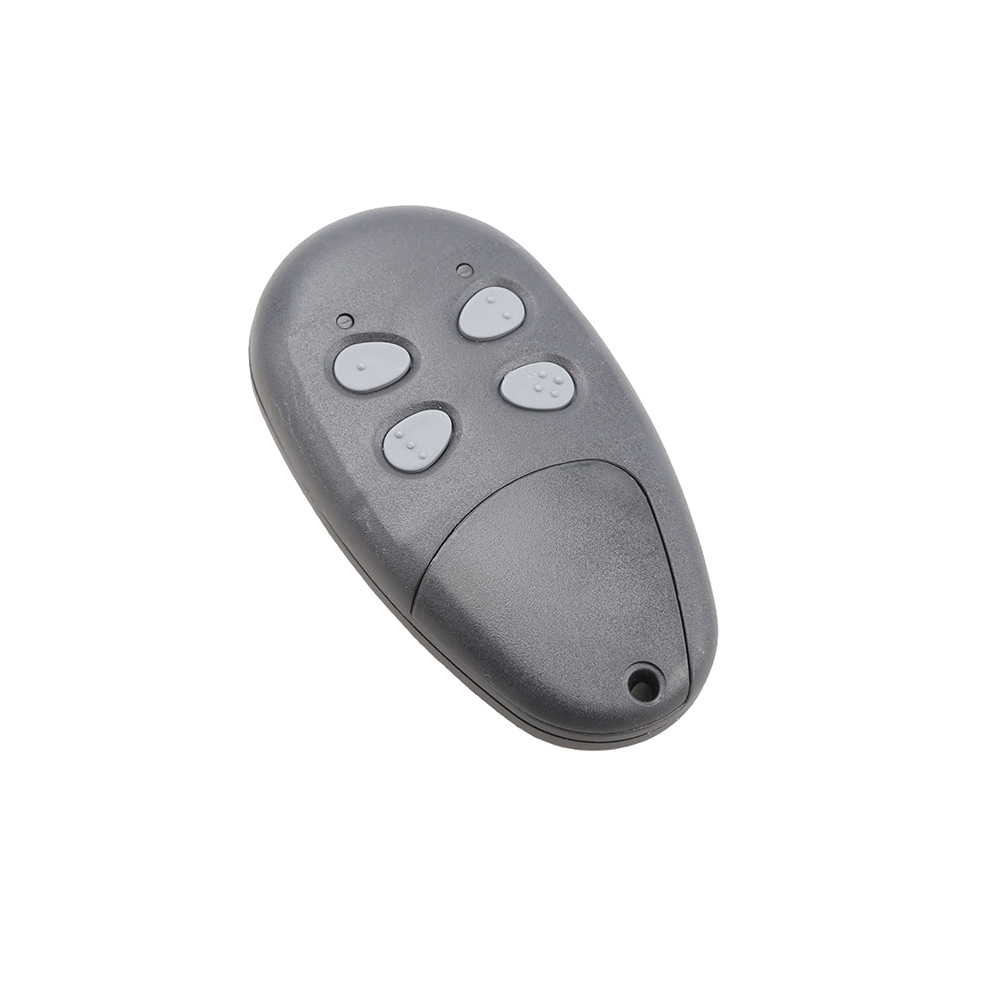
- Open the control box and locate the LED Indicator button and the Push Button Input LED under J2 Terminal 3 on the Ranger control board. Press and hold the LED Indicator button, then press the transmitter button and observe the Push Button Input LED. The LED should come on while the transmitter button is held down.
- If the Push Button Input LED did not come on in step 1, make sure the white receiver connector on the control board is securely connected, replace the battery in the transmitter, and verify that the transmitter is programmed to operate the receiver. Refer to the programming receiver and transmitter section for guidance.
- If the Push Button Input LED did come on in step 1 but the gate did not operate, locate the Open/Close Command button at the bottom center of the Ranger control board. Press it and note whether the gate operates.
- If the gate did not operate in step 3, a safety accessory connected to the green J2 connector may be active. Press and hold the LED Indicator button and observe the LEDs below the J2 terminal plug on the Ranger control board. If any LED is on, identify the accessory connected to that J2 terminal and correct the problem.
Important Note: This Guide is for LCR Radio Equipment Only