


Ranger 500 - Transmitter Will Not Operate the Gate
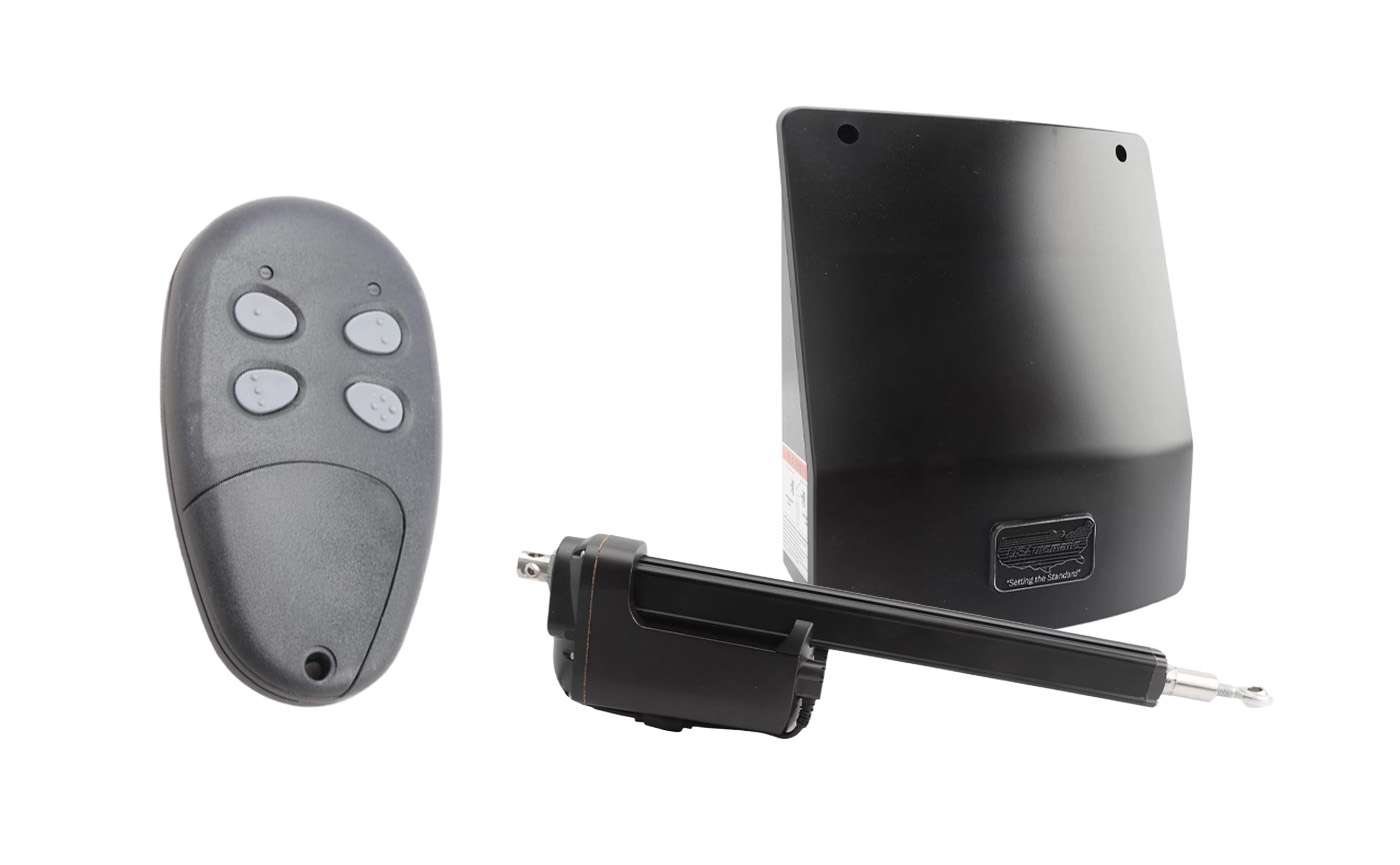
The USAutomatic Ranger 500 Residential Gate Opener is a great way to enhance access control for homes, small businesses, farms, and ranches. These systems offer models that are solar compatible and are capable of handling small- to medium-sized gates. They can also be operated with remote transmitters, meaning the gate can be opened or closed without ever leaving your vehicle.
This is a troubleshooting guide that can assist you if your transmitter is not operating your Ranger 500 Swing Gate Opener.
You can also view the manual and additional troubleshooting tips here:
USAutomatic Ranger 500 Manual Ranger 500 Troubleshooting TipsSteps for Troubleshooting When Your Ranger 500 is not Operating with the Transmitter
- Locate and open the control box to find the control board. Find the “LED Indicator” button and the “Push Button Input”. They should be located under the J2 terminal.
- Push the “LED Indicator” button and hold it. Simultaneously press the transmitter operator button. The LED display should come on when the transmitter button is pushed.
- If the “Push Button Input” LED didn’t come on in step 2, ensure the white receiver connector on the control board is properly connected. Replace the battery in the transmitter and check that the transmitter is programmed to operate the receiver.
- If the “Push Button Input” LED came on when you did step 2, and the gate did not operate, on the bottom center of the control board, locate the “Open/Close Command” button and push it.
- Once step 4 is completed, if the gate did not operate, it is most likely that a safety accessory connected to the green J2 connector is active. You can verify this by pressing the “LED Indicator” button and observing the LEDs. If an LED is on, identify the connected accessory and correct the issue.
If you have more questions, reach out to our Sales Team! We’ll be happy to assist you with any issues you have with your USAutomatic Gate Opener.
Contact Us