


Ranger 500 - Single or Dual Gate Will Not Operate
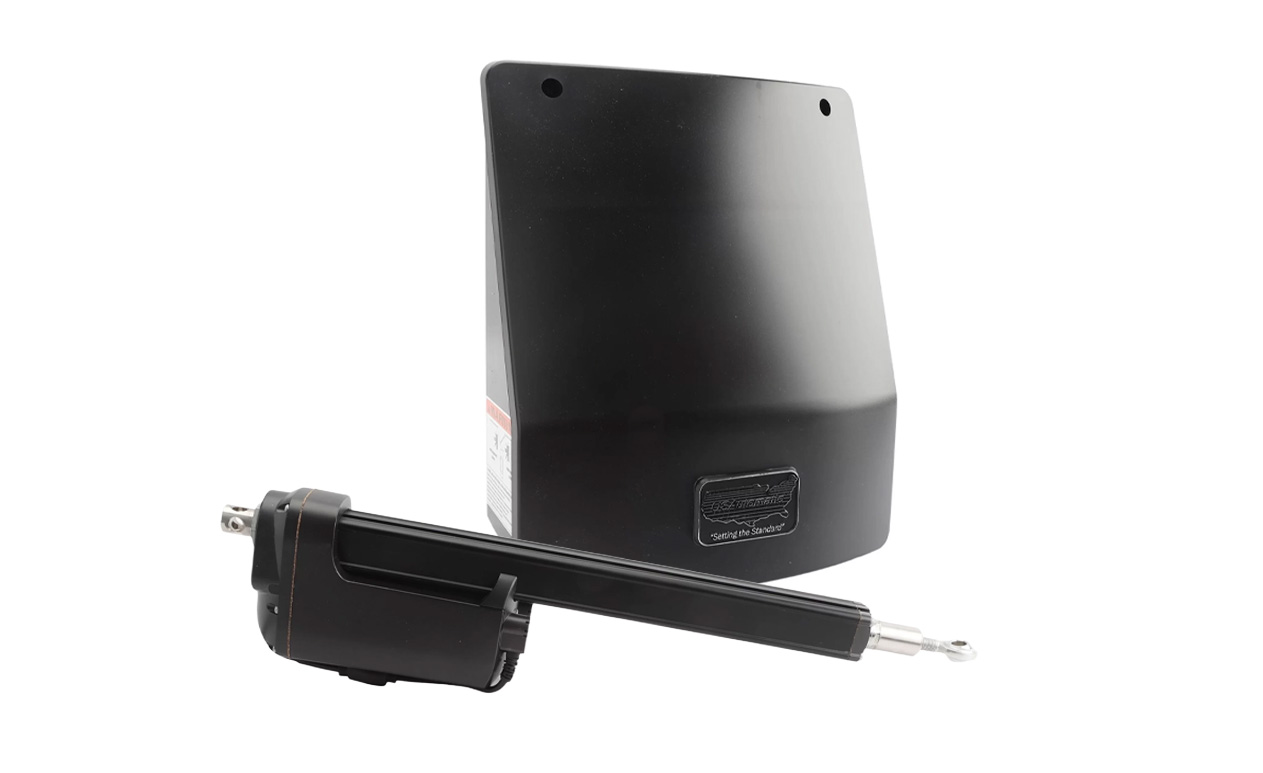
This article is going to take you through the steps of troubleshooting a USAutomatic Ranger 500 Gate Opener when either a single or dual gate is not operating. The Ranger 500 is a great residential gate opener that can hold gates up to 400lbs and 13ft long. It’s most commonly used by homeowners, small business owners, and farms and ranches.
For troubleshooting a single or dual gate opener, this guide is going to break down the steps for testing either a Contact Edge with a 10K Resistor Monitoring or the Photo Eye N/C Contact Monitoring. Both of these entrapment protection devices are examples of necessary safety measures that should be taken when using an automatic gate system.
You can view the Ranger 500 manual and further troubleshooting tips here:
USAutomatic Ranger 500 Manual Ranger 500 Troubleshooting TipsTesting the Contact Edge with 10K Resistor Monitoring
- Check that the dip switch SW1 switch 10 (contact edge monitor) is on.
- On the control board, press and hold the LED indicator.
- Verify the LD3 LED (contact edge 2nd entrapment) is off. It is located below the J2 plug.
- If it’s on, double-check the wire connections from the contact edge to ensure there are proper connections.
- If the wiring connections are good, check that the contact edge has an 8.25k or 10k resistor installed. You can check this by disconnecting and checking the meter.
- Activate the contact edge by pressing it. Verify the LD3 LED is lit up.
- If it is not lit up, the contact edge is bad and needs to be replaced.
Testing the Photo Eye N/C Contact Monitoring
- Check that the SW1 dip switch 10 is on.
- Verify that the dip switch SW1 switch 7 or 8 (photo eye monitor) is on. Turn on the ones that are being used.
- Turn dip switch SW1 3 and 4 off. This allows power to be applied to the photo eye.
- On the control board, press and hold the LED indicator button.
- Check that the LEDs LD4 or LD5 (photo eye N/C) that are located below J2 on the control board is on.
- If these LEDs are not on, double check the alignment between the transmitting and receiving photo eye. Adjust if needed.
- If alignment is correct and the LEDs are still off, verify the wired connections to the photo eye are correct.
- If LD4 or LD5 LEDs are on, verify that they go off when the photo eye beam is broken.
- If the LEDs do not turn off when the beam is broken, then the photo eye is bad.
Contact our knowledgeable sales team if you need more information about troubleshooting or have any questions about your USAutomatic Gate Opener!
Contact Us