


Single Gate Will Not Operate
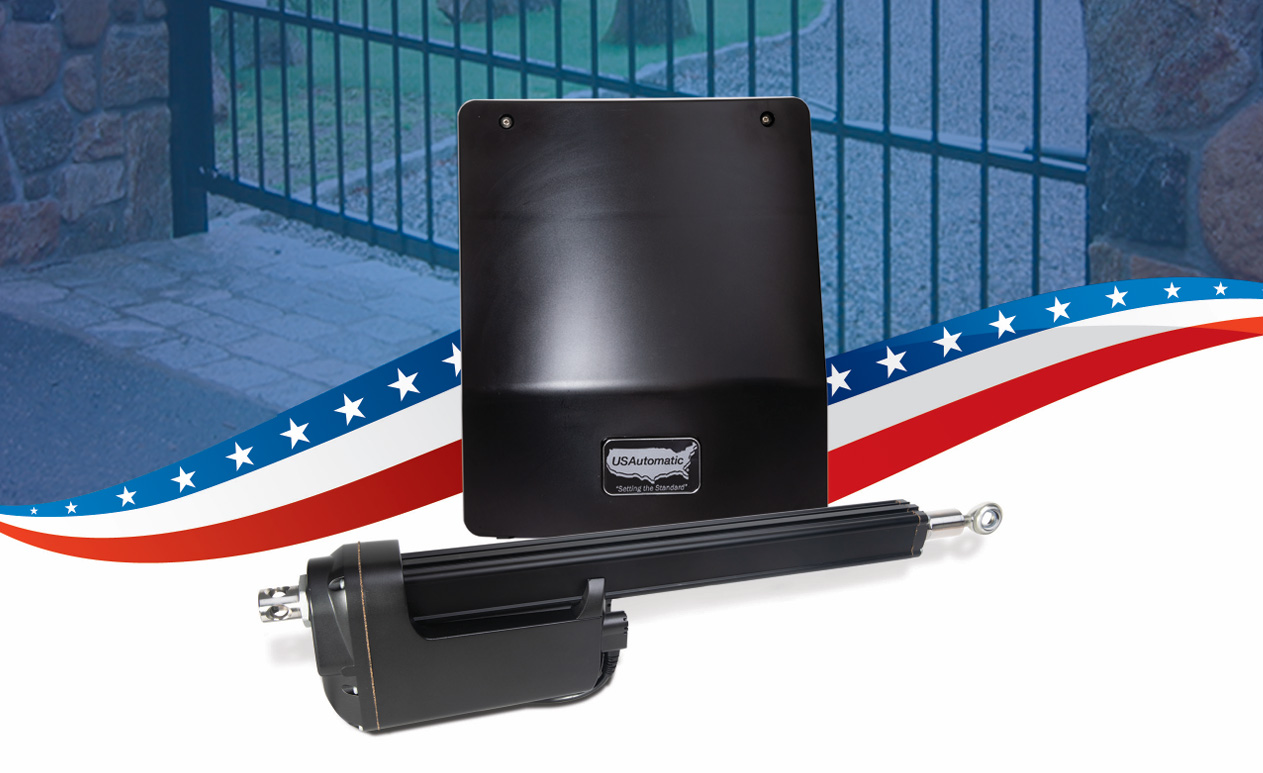
The USAutomatic Ranger 500 is a residential automatic gate system that is capable of holding small to medium gates up to 400lbs and 3ft long. It’s most commonly used by homeowners, small business owners, and on farms and ranches. The Ranger 500 Swing Gate Opener is incredibly reliable, but there may be times where you need to troubleshoot the occasional issue. This troubleshooting guide will go over the steps you should take if your single gate is not operating.
You can view the manual and additional troubleshooting tips here:
USAutomatic Ranger 500 Manual Ranger 500 Troubleshooting TipsTroubleshooting Steps for a Ranger 500 USAutomatic Single Gate Opener Not Operating
- Open the control box cover and locate the push button that says “Open/Close Command”. Press it so the gate will operate.
- Above the “Open/Close Command” button, press the “Reset” button. Then, press the “Open/Close Command" button.
- Locate the “LED Indicator” button and press it. Take note of all the red LED’s that illuminate.
- On the control board, if there are any LED’s below the J2 terminal plug that are on, this means there is an issue with the J2 accessory input terminals.
- Identify the J2 terminal number that is associated with the lit LED light.
- Find the accessory that is connected to that associated J2 terminal number.
- Disconnect the accessory wire from the associated J2 terminal and verify gate operation.
- If the above steps doesn’t work, contact the manufacturer
If you are having any issues with troubleshooting, give us a call! Our sales team will be happy to help you with your USAutomatic Ranger 500 Gate Opener.
Contact Us