


Ranger 500 - Pressing the Reset Button Causes the Gate to Operate
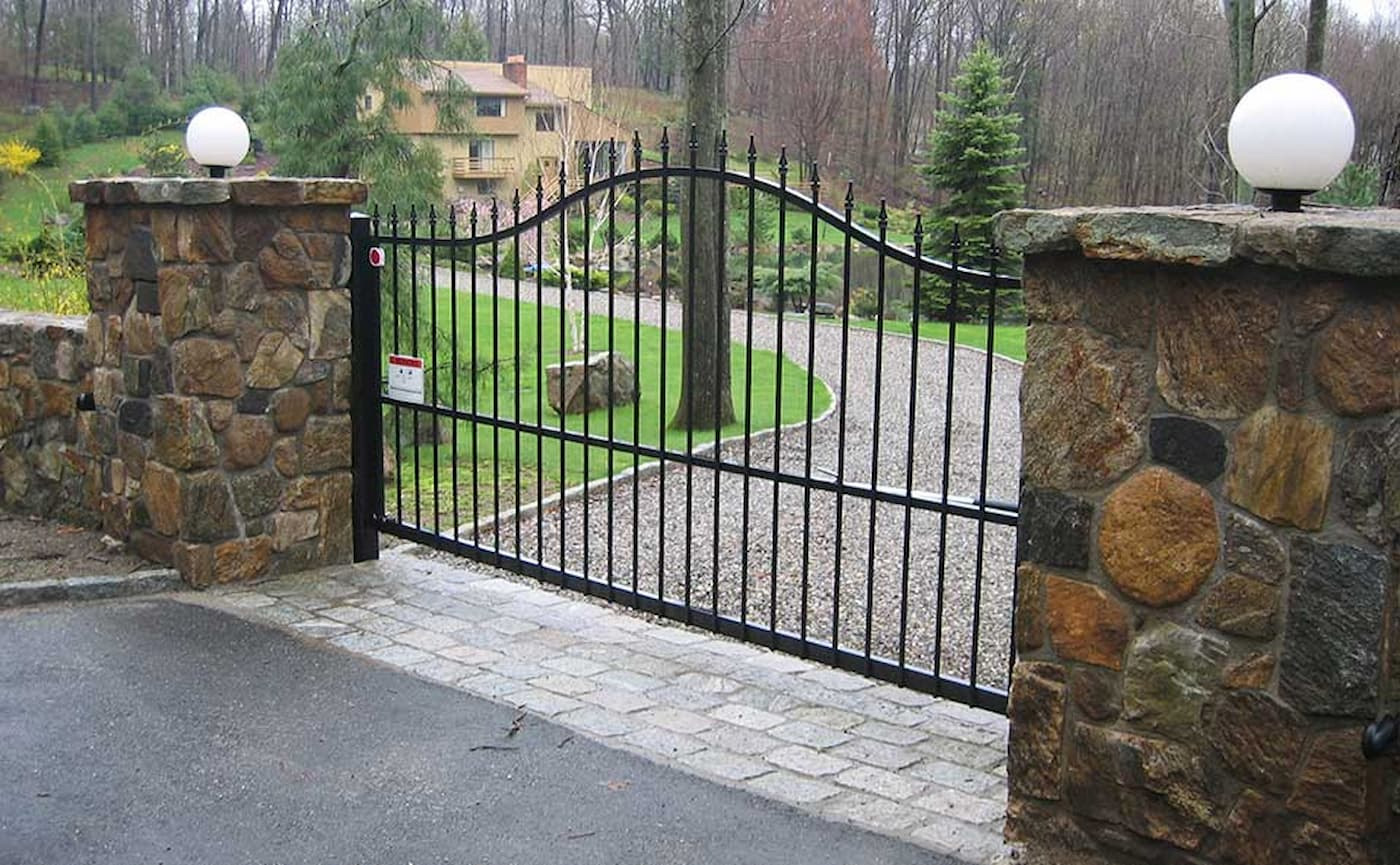
The USAutomatic Ranger 500 Swing Gate Opener is a popular solution for homeowners and small business owners who need dependable access control for residential, farm, ranch, or light commercial settings. These openers are built for reliable service and can handle gates sized up to 400lbs and 13ft in length. If pressing the “RESET” button only causes the Ranger 500 gate to operate, this article will guide you through the troubleshooting steps needed to identify and resolve the issue.
You can view the full manual and additional troubleshooting steps here:
USAutomatic Ranger 500 Manual Ranger 500 Troubleshooting TipsTroubleshooting Steps:
Most likely, this problem is because of a bad receiver.
- Find the LED Indicator push button on the control board.
- Locate the Push Button Input LED that is below the J2 terminal plug on the control board.
- Press the LED Indicator button and check to see if the Push Button Input LED lights up. If it does, the receiver relay needs to be replaced or repaired because it is stuck closed.
- If the Push Button Input LED does not light up, call the manufacturer for further troubleshooting and information.
If you need further assistance, don't hesitate to give our expert sales team a call!
Contact Us