


Ranger 500 - Photo Eye for Vehicular Protection Will Not Reverse or Hold the Gate When Closing
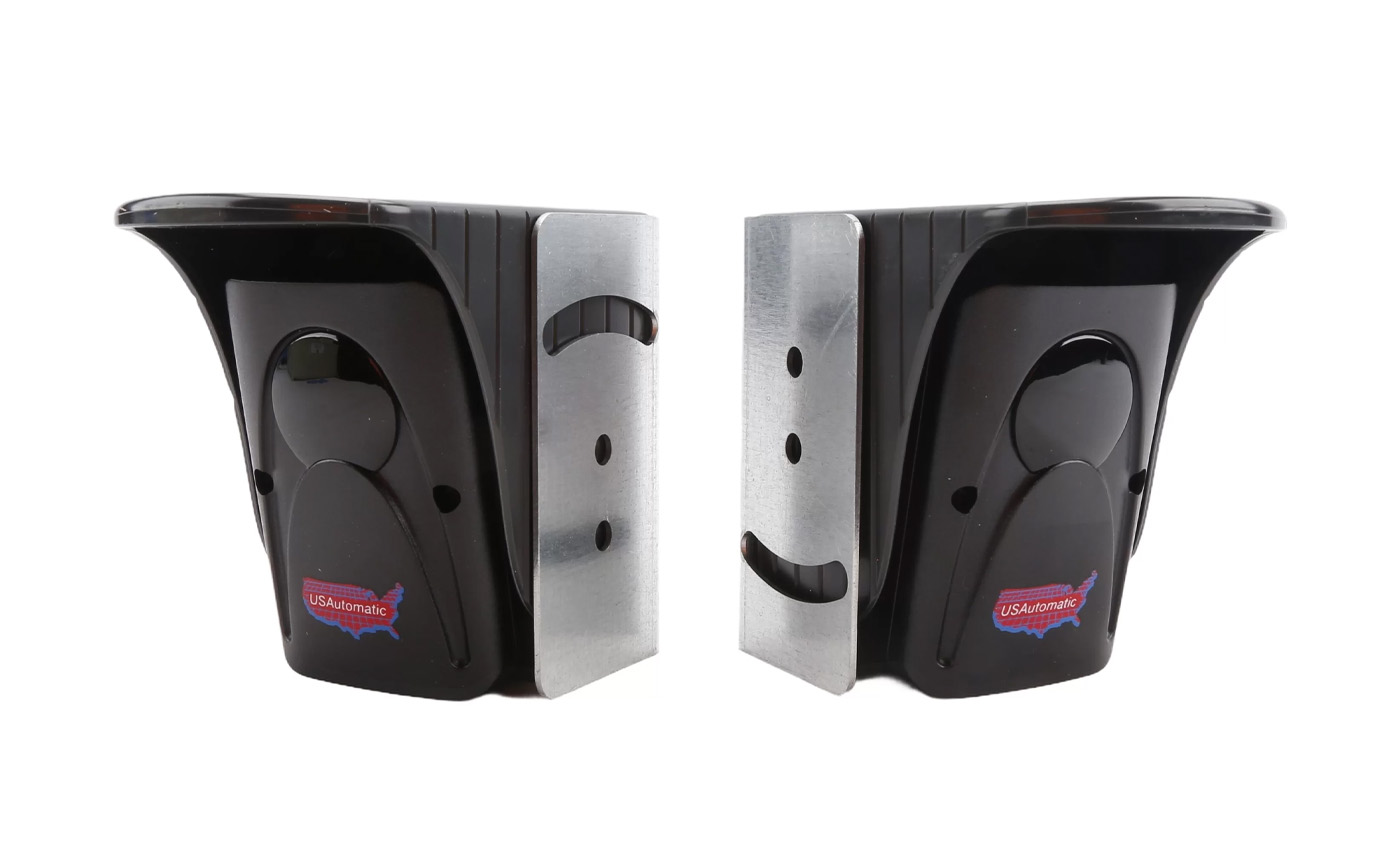
The USAutomatic Ranger 500 Gate Opener is a great access control device for residential areas, commercial settings, farms, and ranches. It can handle small to medium-sized gates, and there are solar-compatible versions available. This article is going to go over troubleshooting when a photo eye will not reverse the gate when closing.
You can view additional information in the manual and troubleshooting guide here:
USAutomatic Ranger 500 Manual Ranger 500 Troubleshooting TipsWiring the Accessory to the Ranger Control Board
- Power and Ground: Connect +12 VDC power to J2 terminal 5.
- Connect ground to either the battery or J2 terminal 2 or 7.
- Signal Connections (N/O & Common): Connect Common ground to the battery or to J2 terminal 2 or 7.
- Connect the N/O (Normally Open) wire to J2 terminal 11 - labeled Safety Loop / Reversing Edge Input.
Once wired this way, the accessory should either reverse a closing gate or keep the gate open while activated.
Testing the Connection
- Find the LED Indicator push button and the Safety Loop / Reversing Edge Input LED (just below the J2 terminal plug).
- Press and hold the LED Indicator button.
- Activate the accessory (for example, break the photo-eye beam).
- If the LED lights up: The accessory and wiring are working.
- If the LED does not light up: Double-check the wiring at the J2 connector and make sure the connector is seated firmly on the board. If the wiring is correct, the accessory itself is likely faulty.
Need some assistance? Give our expert sales team a call!
Contact Us