


Ranger 500 - Gate Will Not Automatically Close
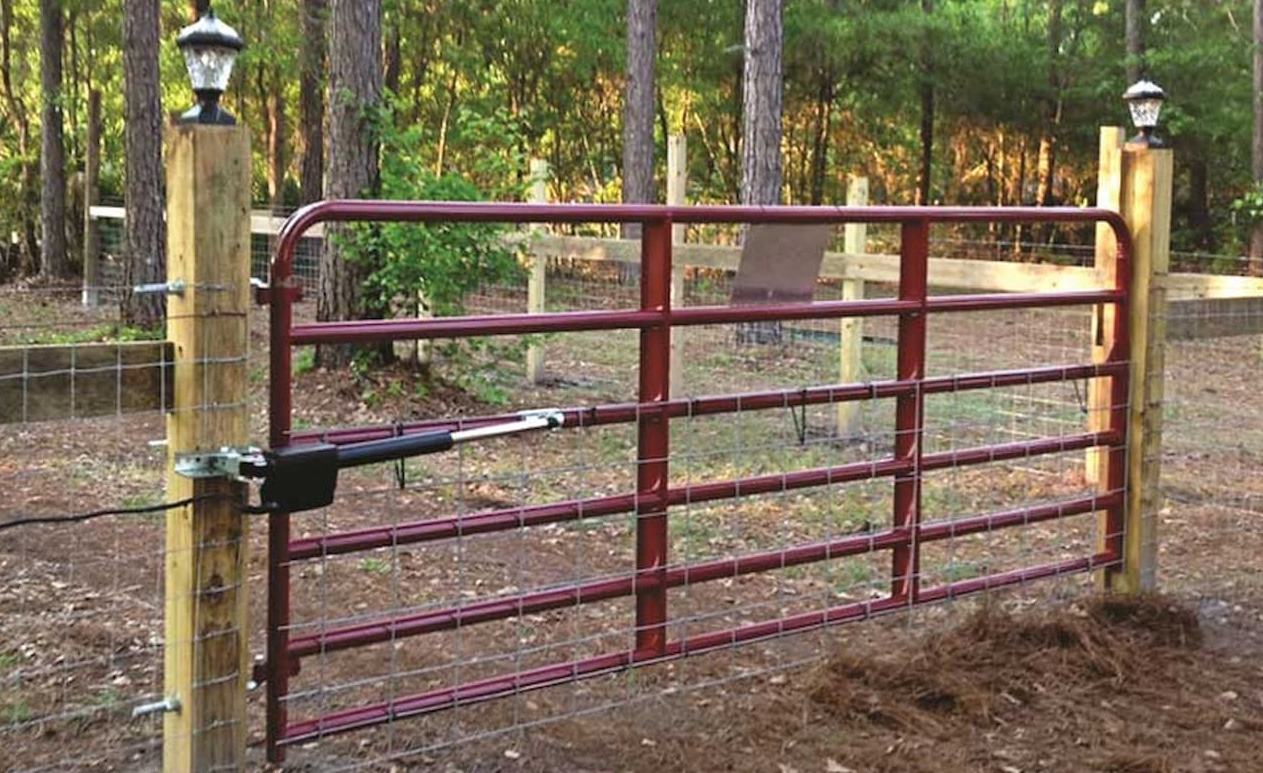
In this article, we’re going to break down the troubleshooting steps that should be taken if the USAutomatic Ranger 500 Swing Gate Opener is not automatically closing. The Ranger 500 is an automatic swing gate system that is designed for residential settings, light commercial applications, and farm and ranch use.
These gate openers are a reliable and cost-effective way for homeowners and small business owners to enhance access control for their property. The Ranger 500 swing gate can hold small- to medium-sized gates up to 400lbs and 13ft long, making them ideal for smaller locations.
You can view the manual and troubleshooting guide for the USAutomatic Ranger 500 Swing Gate Opener here:
USAutomatic Ranger 500 Manual Ranger 500 Troubleshooting TipsHow to Troubleshoot When the Ranger 500 Gate Will Not Automatically Close
- Find the “Open/Close Command” push button and press it to verify that the gate will close. If the gate closes correctly, move forward with the following steps.
- Check that the SW1 switch 1 is on. If it is not, turn it on and recheck the gate operation. If the gate is still not automatically closing, proceed to step 3.
- Find the “LED Indicator” push button. Press and hold it. While you push the button, check the LED indicators that are on the control board under the J2 terminal plug. Take note of which LED’s are lit up. If LD1, LD2, LD5, or LD7 are on, then remove the wire from J2 for the LED that is on. Cycle the gate and verify that it automatically closes.
- If it closes, it means that the disconnected device wired to the J2 pins 3, 9, 10, or 11 is bad and needs to be replaced.
If you’re still struggling to troubleshoot your automatic gate opener made by USAutomatic, give our expert sales team a call! We’ll be happy to answer any questions you may have.
Contact Us