


Ranger 500 - Dual Gate Opens or Closes Correctly then Immediately Reverses Direction
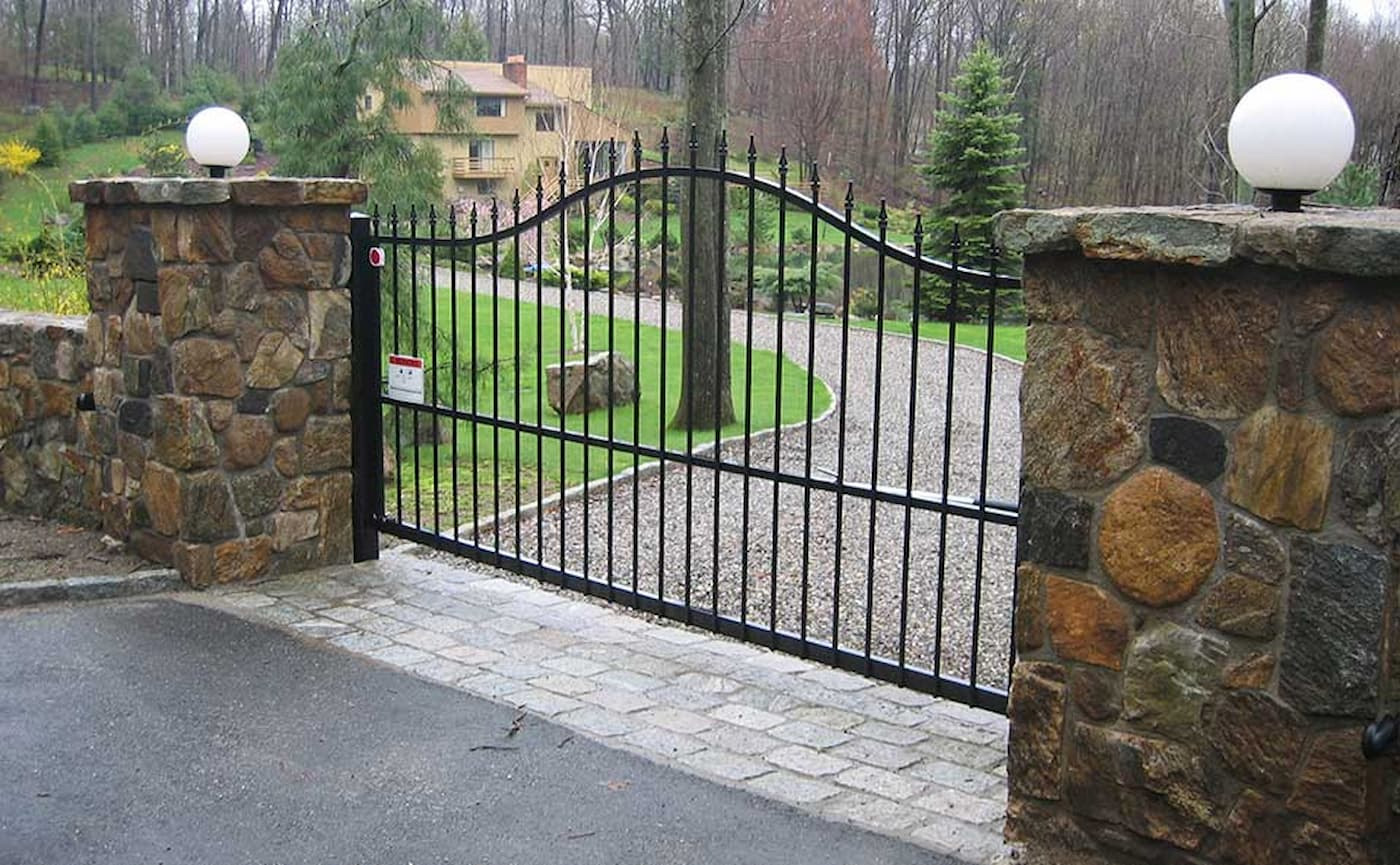
The USAutomatic Ranger 500 Swing Gate Opener is a common choice for homeowners and small business owners when investing in an automatic gate system. It can support small to medium-sized gates up to 400lbs and 13ft long, making it perfect for residential settings, farms, ranches, and light commercial applications.
In the event your Ranger 500 Swing Gate Opener is having issues, we have plenty of troubleshooting guides available to help you get to the root of the problem. If your Ranger 500 has been opening or closing correctly, then immediately reverse direction; this guide will take you through the steps of troubleshooting.
You can find more information in the full manual and troubleshooting PDF here:
USAutomatic Ranger 500 Manual Ranger 500 Troubleshooting TipsIf Your SINGLE Ranger 500 Opens or Closes Correctly then Reverses Direction:
Most likely, this is caused by an incorrect limit switch adjustment. The limit switch adjustments are located on the circuit board.
Shop the Single Ranger 500 AC Shop the Single Ranger 500 SolarIf Your DUAL Ranger 500 Opens or Closes Correctly then Reverses Direction:
- Find the SW1 switches on the control board. For a dual gate, switches 3 and 4 should be turned on. Turn off switch 4. This will disable one of the gates.
- Check the gate's operation again and verify that it stops in the correct position. If it stops in the right spot, turn switch 4 back on and turn switch 3 off. Check operation again to see if the other gate stops in the correct position. Note that it’s possible that only one or both gates may not stop in the correct position.
- Once you have identified the gate(s) that are having issues, readjust the limits to the desired position.
Still need some assistance? Contact our expert sales team! We’d be happy to assist you.
Contact Us