


Transmitter Will Not Open the Gate
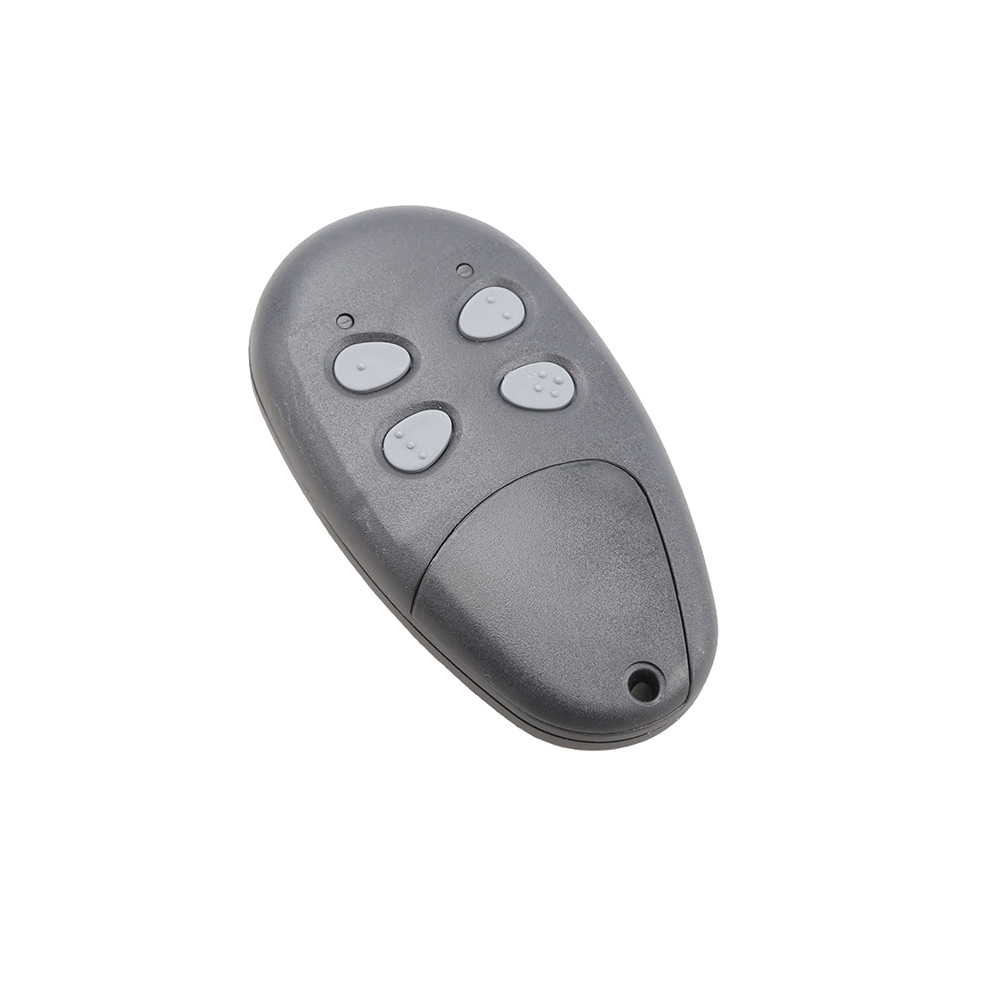
If your USAutomatic Transmitter will not open your gate but manually using the push button on the unit will open the gate, it's likely you have a faulty transmitter or one that has become unpaired. To ensure that it's the transmitter and not the gate, review the following steps in exact order:
- Open the control box and locate the LED Indicator button and the Push Button Input LED on the Patriot control board. Press and hold the LED Indicator button, then press the transmitter button and observe the Push Button Input LED. The LED should come on while the transmitter button is held down.
- If the Push Button Input LED did not come on in step 1, make sure the green J2 connector on the control board is securely connected, replace the battery in the transmitter, and verify that the transmitter is programmed to operate the receiver.
- If the Push Button Input LED did come on in step 1 but the gate did not operate, locate the Open/Close Command button at the bottom center of the Patriot control board. Press it and note whether the gate operates.
- If the gate did not operate in step 3, verify that the 15 amp fuse on the Patriot control board adjacent to the actuator plug is not blown. A fuse can appear good visually, so replacing it is the best way to confirm it is good.
- If the gate did not operate in step 3 and the fuse was good in step 4, a safety accessory connected to the green J2 connector may be active. Press and hold the LED Indicator button and observe the LEDs in the lower left corner of the Patriot control board. If any LED is on, identify the accessory connected to that J2 connector pin and correct the problem.
Note: This Guide is for LCR Radio Equipment Only