


How to Wire a CP-4 Free Exit Device by Cartell to a USAutomatic Gate Opener System
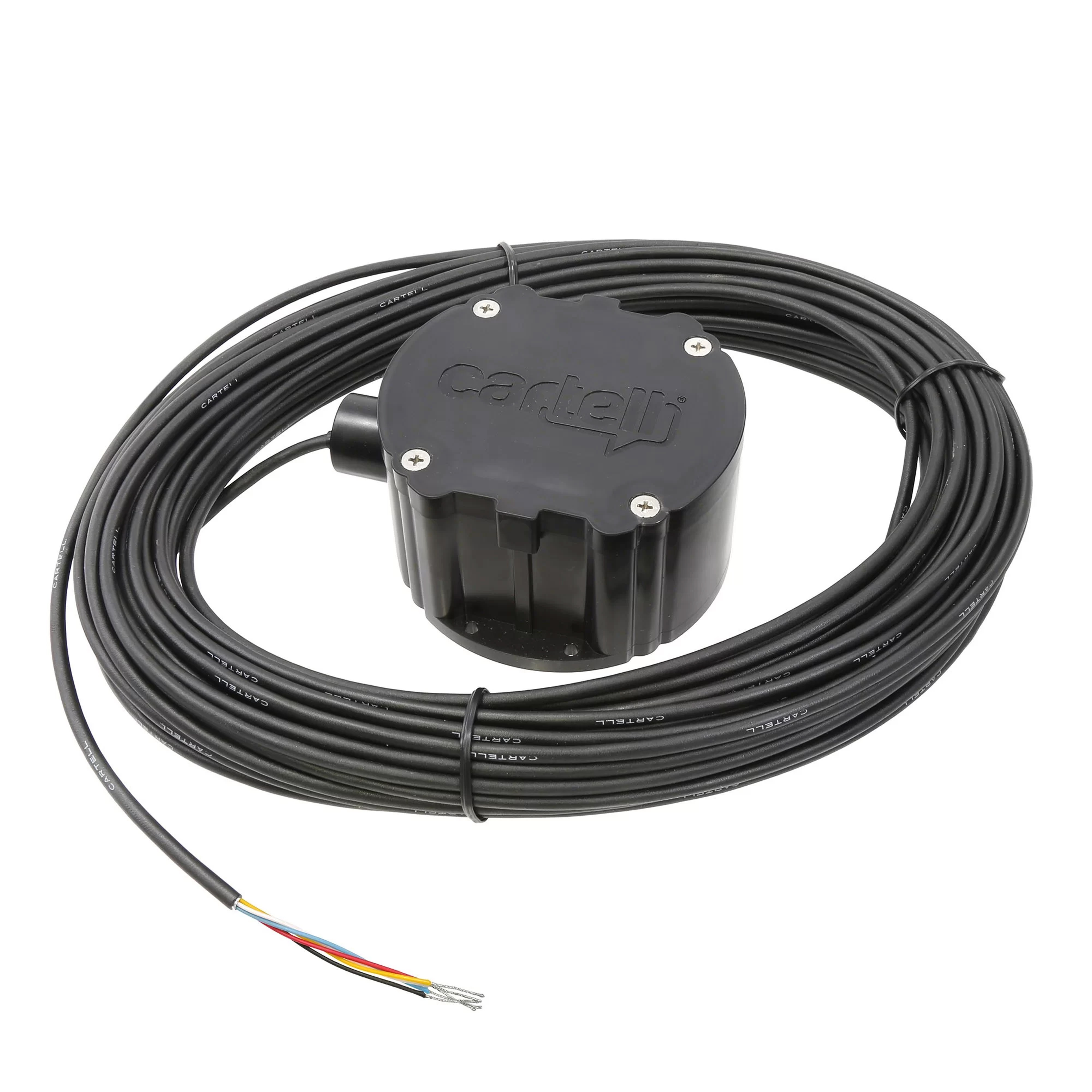
The CP-4 Free Exit System is a reliable way to open and close your automatic gate for easy access, without a key fob or keypad. It's installed directly into the ground and can sense large metal objects, like cars, then sends a signal to the gate opener control board, triggering it to open or close. This quick how-to guide will walk you through properly wiring the Cartell CP-4 Exit Device for your gate operator system.
See the CP-4 manual for more information:
Cartell CP-4 Exit Device ManualWiring the CP-4 Free Exit Device
What You Will Need:
- Small, Flat-Head Screwdriver
After you have trenched your pipe, you'll want to wire the device before burying the puck in the ground. The following chart can help you understand which wires need to be connected.
| J2 Terminal Block # | CP4 Wire Color |
|---|---|
| #1 | Red |
| #2 or #7 | Black |
| #2 or #7 | White |
| #9 | Blue |
| Not Used | Yellow (not used) |
Steps:
- Disconnect the J2 terminal from the control board.
- Unscrew the terminals listed above.
- Insert the wires according to the chart above and tighten the screws.
- Plug the J2 terminal back into the control board.
After you have properly wired the exit device, you can then test the sensitivity. Please note that in most cases, the sensitivity will not need to be adjusted, as the factory settings are at the highest sensitivity. Ensure the device is working properly by placing it near a vehicle. If the gate automation is triggered, you're all set to bury the puck in the proper location.
Shop the CP-4 Free Exit DeviceNeed More Assistance?
Our expert sales team is here to help! Give us a call or shoot us an email, and we can walk you through installing your CP-4 Exit device.
Contact Us