


How to Set the Clock on a 7-Day Programmable Timer
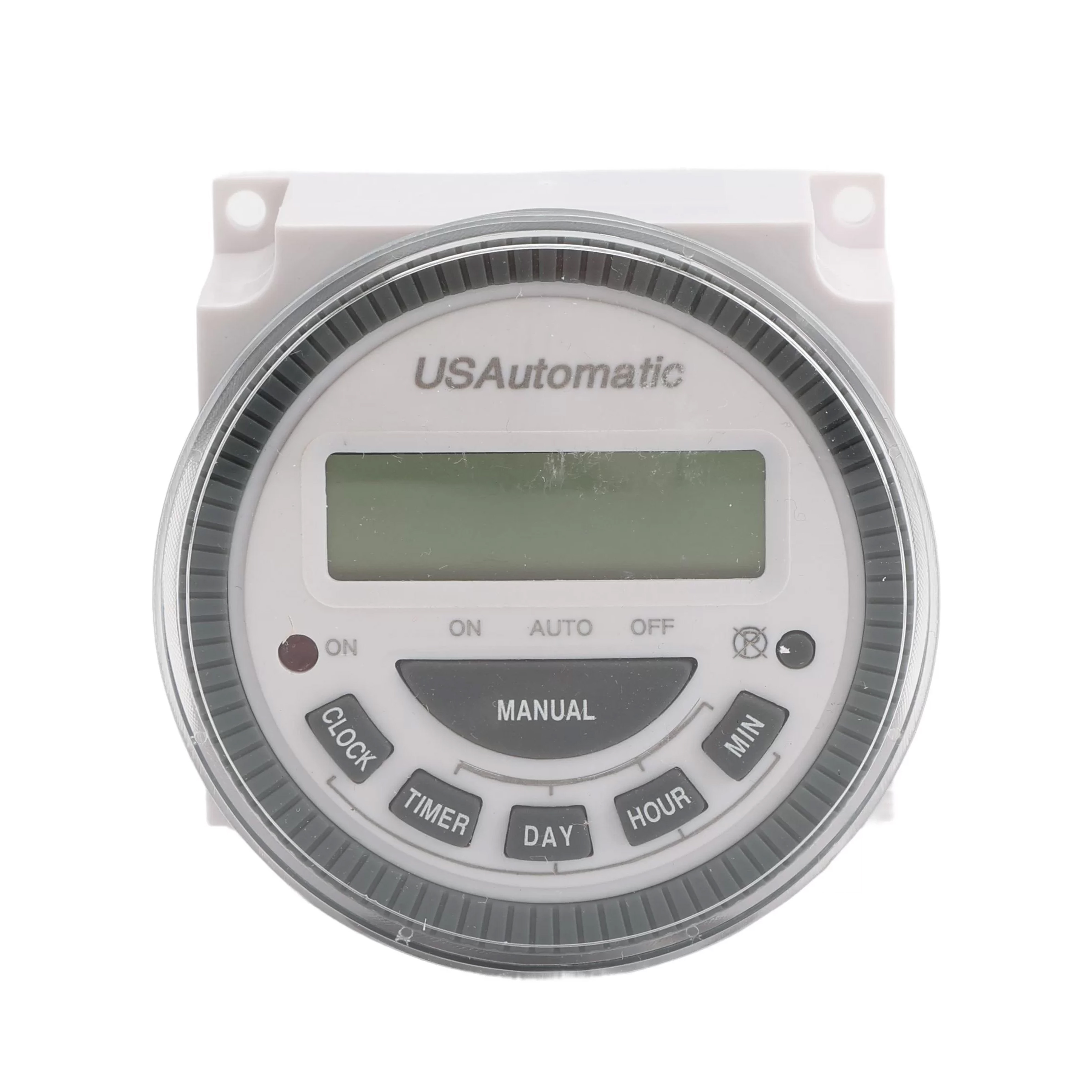
The 7 Day Programmable Timer is a great way to automate your gate opener system fully. It can be used to set the gate opener to open and close at specific times on specific days. Setting the clock is a vital step when setting up a schedule for the automatic gate system. To learn more about how to place the timer on a schedule, check out our article on programming the timer.
This guide will show you how to set the clock on the 7 Day Timer. The process is simple, but we wanted to outline the steps for guidance.
View the full 7 Day Timer Manual Here:
7 Day Programmable Timer ManualSteps for Setting the Timer
- Press and hold the CLOCK key: Continue holding this key throughout the process.
- Press the DAY key until the correct day of the week is shown.
- Press the HOUR and MINUTE keys until the correct time is shown.
- Release the CLOCK key.
The clock is now set, and you are free to program the timer for a set schedule.
Shop the 550015 7 Day Programmable TimerNeed More Advice for your 7 Day Timer?
Our knowledgeable sales team brings over 40 years of industry experience. Give us a call if you're looking for additional guidance on any of your USAutomatic gate opener equipment.
Contact Us