


How to Hold the Gate Open Using a Basic Wireless Keypad
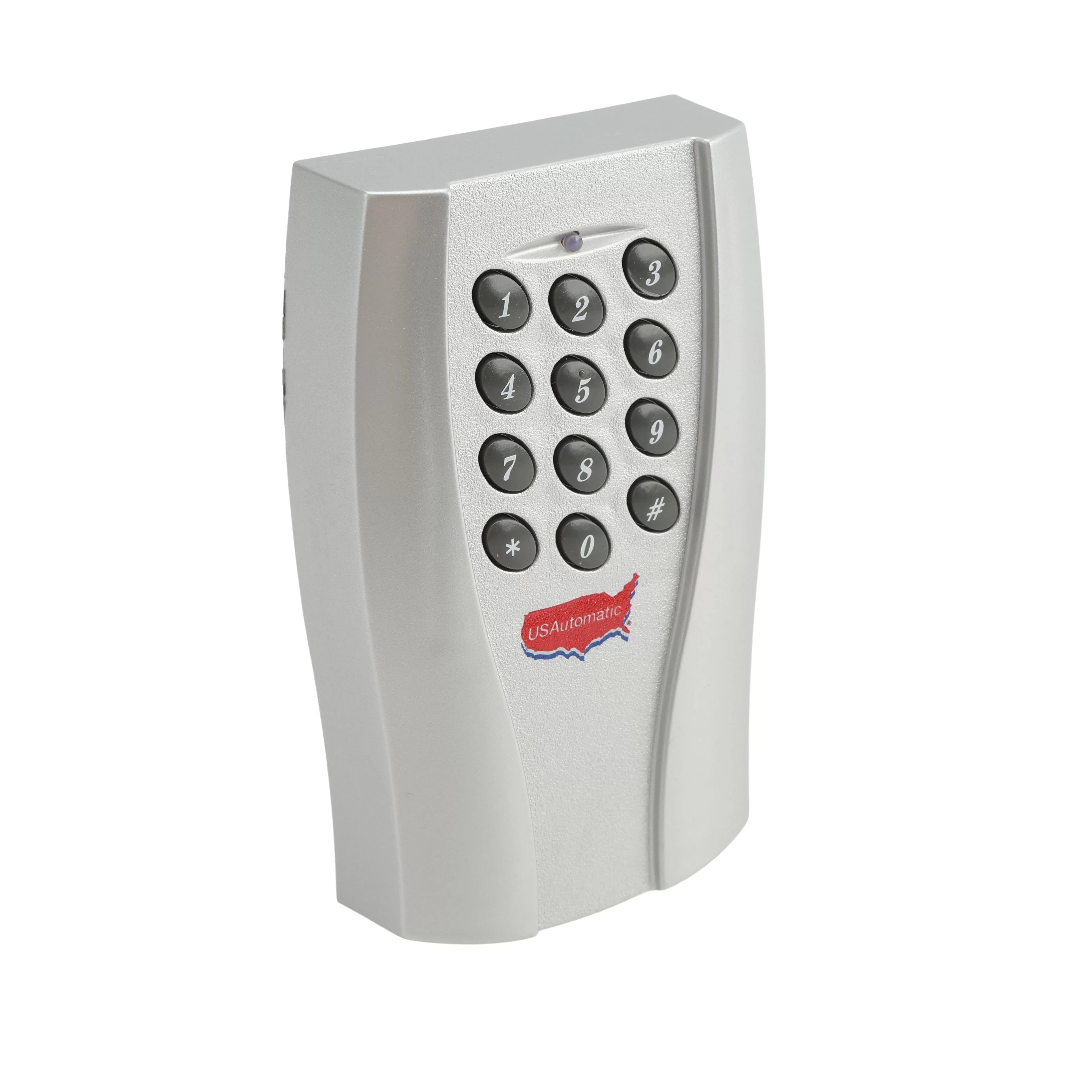
The hold open feature keeps your gate open for long periods. This is useful when you have multiple visitors, are moving equipment, or hosting an event. Normally, the gate auto-closes after opening. Hold open overrides that timer so the gate stays open until you manually close it. This guide shows you how to set this up using the USAutomatic Basic Wireless Keypad. You will create a special code for the keypad that triggers the Receiver's P2 relay in latching mode.
Manual
Need the full programming details? Refer to these manuals for in-depth instructions.
How It Works
Your LCR receiver has two relays:
- P1 (Relay 1): Normal open/close commands
- P2 (Relay 2): Hold open / Free Exit
By default, P2 sends a quick pulse (momentary mode). You need to change it to latching mode so it stays on until you turn it off. Please note that this only works if your gate opener's auto-close timer is turned on. If auto-close is already off, the gate stays open anyway, and you do not need this feature.
Step 1: Program the Keypad Access Code for P2 (Relay 2)
You need a separate keypad code just for holding the gate open.
- Enter the Master Password (default is 11111). Listen for two beeps.
- Press 9. Two beeps mean you are in programming mode.
- Type your new Access Code (2 - 5 digits). If it is less than 5 digits, press # at the end
- Press 9 again.
- Type the same code again to confirm
- When asked to pick a relay, press 2 for P2
- Two beeps confirm it is saved.
Helpful tip: Pick a different code from your daily gate code. For example, normal code 2468 (P1) and hold open code 1357 (P2). This prevents you from accidentally leaving the gate open.
Step 2: Pair the Keypad to the Receiver
Now teach the Receiver to recognize that new hold-open code.
- Take the keypad to the Receiver inside the gate control box.
- Enter your P2 Access Code and keep holding the last key. The keypad's red light will blink.
- On the Receiver, press and hold the P2 learn button until the green LD light comes on and you hear a click.
- Let go of both buttons.
Step 3: Switch P2 to Latching Mode
Change the Receiver so P2 stays on instead of pulsing briefly.
- Press and hold P2 on the Receiver until the green LD light turns on steadily. Release.
- While the green light is still on steadily, press and release P1.
- The green light will now flash.
Using Hold Open
- To hold open: Enter your P2 code.
- The gate opens and stays open.
- To close: Enter the same P2 code again. The gate will close.
If you have any further questions, please reach out to our representatives. They are happy to help in any way they can!
Contact Us